Radical Speed Month is over, and today we’re releasing the work to the public. For four weeks, we built out the WordPress.com Reader so it can read and write across three networks (Bluesky, Mastodon, and the Fediverse), all from one place. The new Social Feeds section in the Reader’s sidebar is now live for everyone.
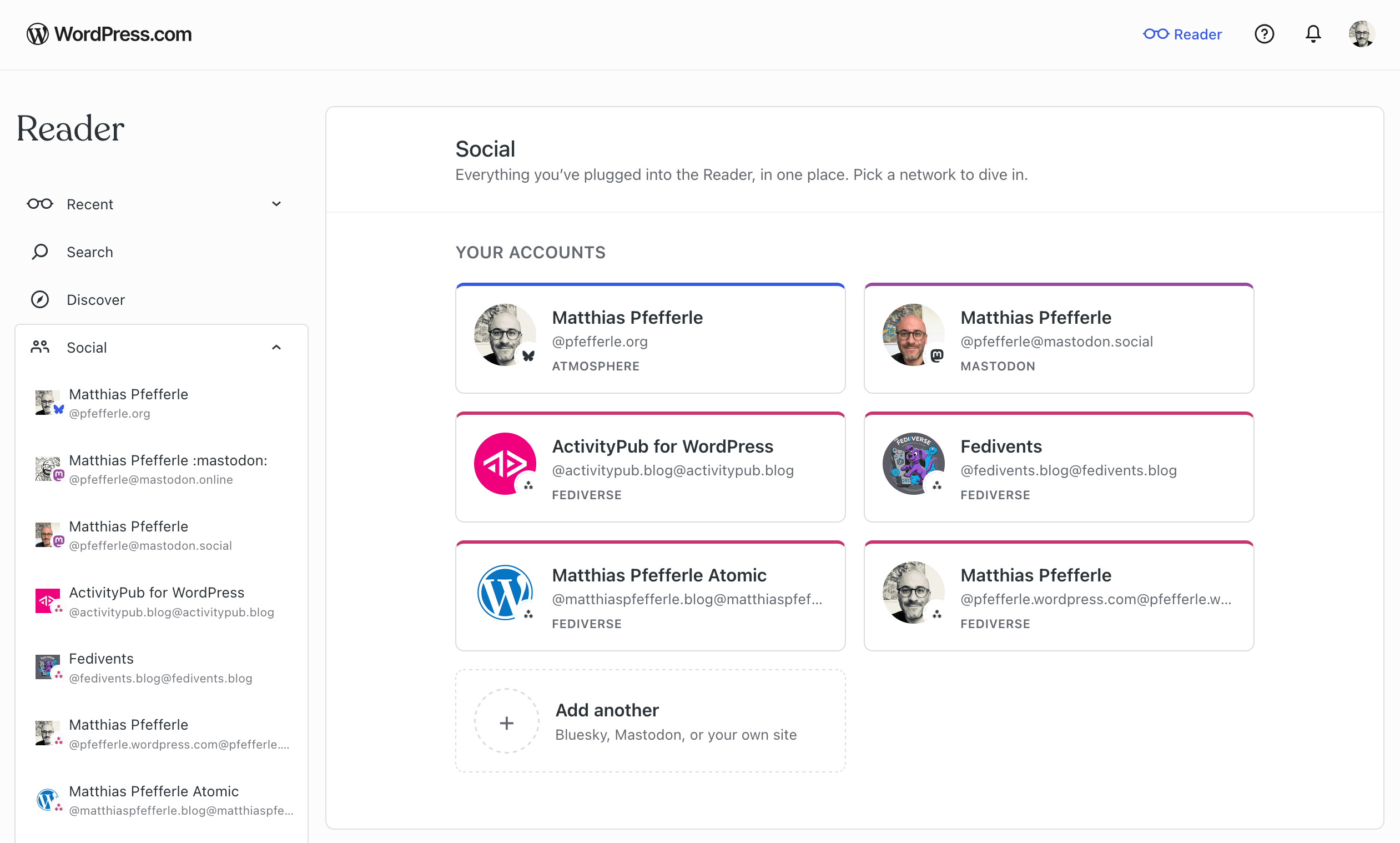
A full write-up will follow next week on the WordPress.com blog, covering the full experience across all three networks.
We’ve had a few excursions on this blog lately (Radical Speed Month, ATmosphere 1.0.0), so we want to bring the focus back to ActivityPub and the plugin.
The plugin’s ActivityPub API now powers its first real production client: the WordPress.com Reader. As a WordPress.com user, you can now read, follow, and post across the Fediverse through your WordPress blog, with every interaction tied to your blog’s own ActivityPub identity, and it all sits next to the rest of your Reader.
At the moment, this works for WordPress.com and Jetpack-connected sites (Jetpack may take a few more days to roll out fully), with self-hosted blogs coming next. Beyond that, the goal is to support any site that speaks the API. The Reader is the first client we’ve built on it, and what we learn here will also feed into the broader WordPress reading experience.
Your WordPress site, inside the Reader
If your WordPress.com site has joined the Fediverse, it shows up in the Reader’s new Social Feeds section automatically, next to any Bluesky or Mastodon accounts you’ve connected.
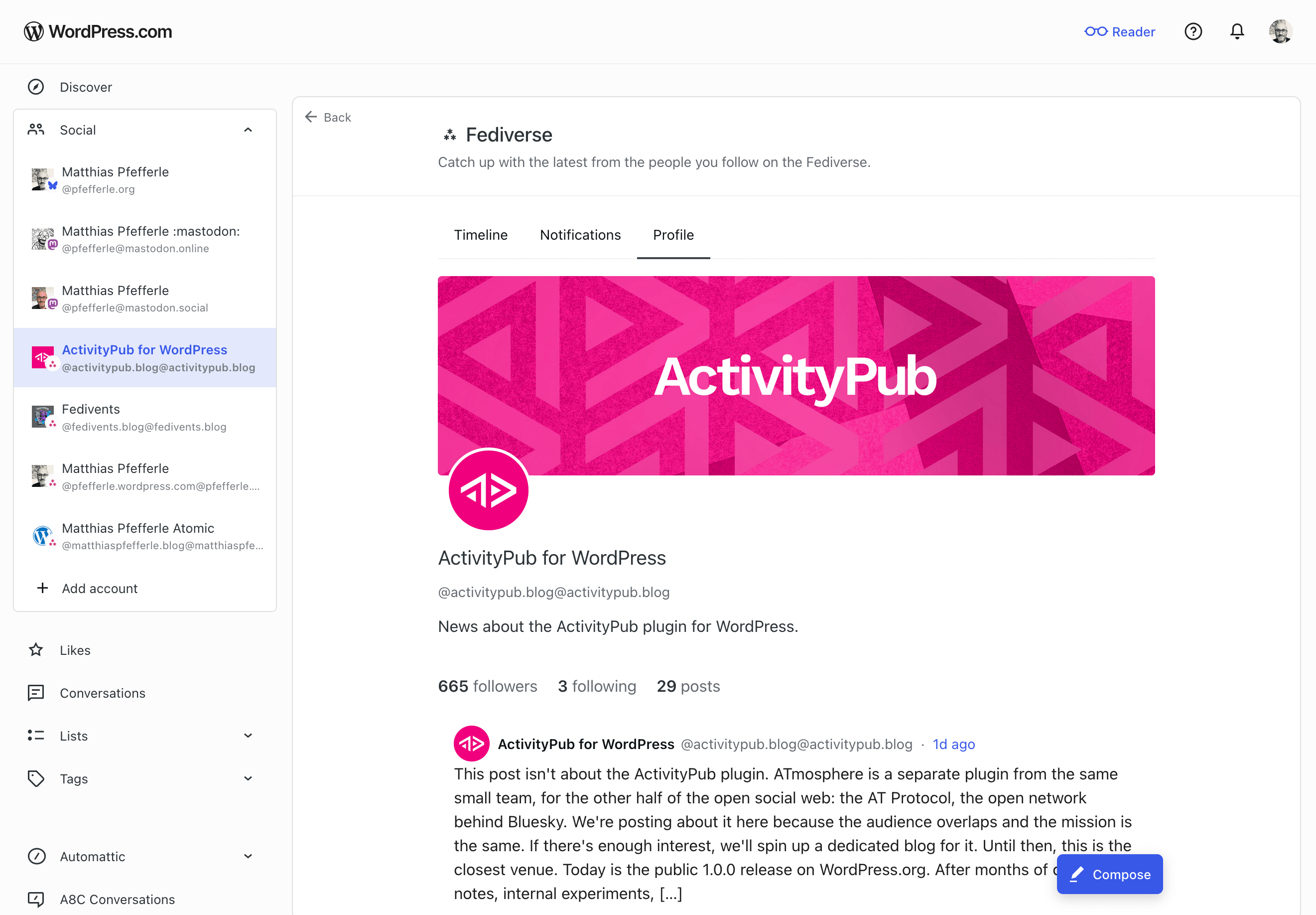
Open it from the sidebar and you’ll land on a dedicated view of your blog’s Fediverse activity. The help center has the full walk-through. Here’s what you can do there:
- Read posts from accounts your site follows.
- See your followers and the accounts your site follows back.
- Follow new Fediverse accounts.
- Publish short posts. Past the character limit, the composer offers to move your draft to the block editor.
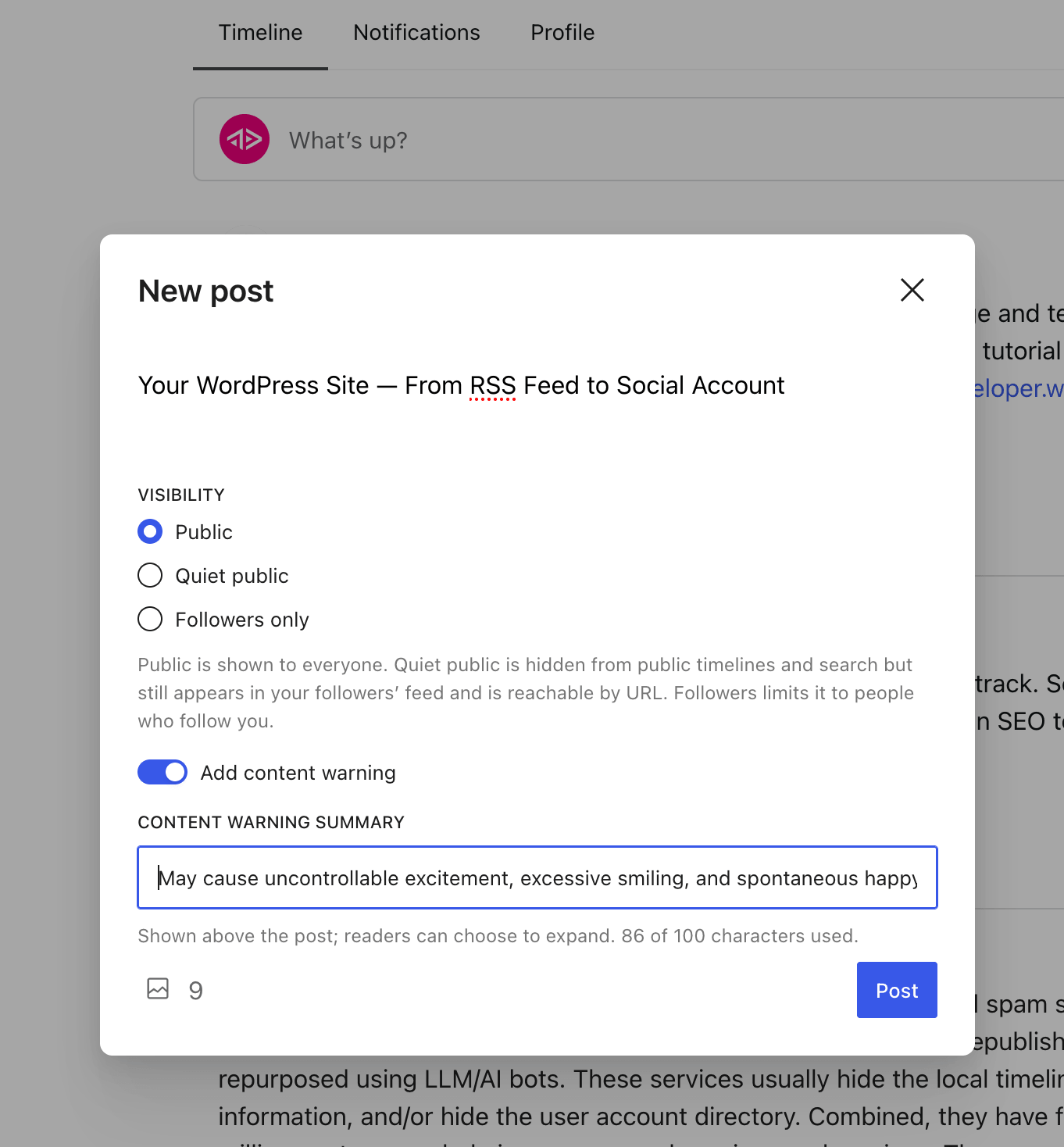
- Get notifications when someone follows you, mentions you, replies to a post, likes one, or boosts one.
- Tap a
@mentionto open that person’s profile inside the Reader.
All of this goes through the ActivityPub API on the plugin side. The plugin handles the rest: publishing, signing, federating, receiving. The same machinery your site has always used.
What’s not in this release yet
A few things still need work on the plugin or spec side before they land here:
- Liking, boosting, and replying to other people’s posts. Those land slice by slice over the next releases.
- Media in posts you publish from the Reader. Text only for now. The block editor stays the place for images.
- Connecting from a self-hosted WordPress site. For now, the Reader only reaches WordPress.com and Jetpack-connected sites. Self-hosted is next.
What this means for the plugin
The plugin’s ActivityPub API has been experimental since 8.1.0. The Reader is the first product to drive it with real users, and that changes two things.
First, anyone building (or thinking about building) an ActivityPub client now has a real, working server to develop against. The plugin handles publishing, signing, and federation; a third-party client only needs to worry about its own surface. That means more clients become possible, and the people running the plugin get more ways to use their site, beyond the Reader.
Second, real traffic finds the kind of edge cases test cases never do. Authentication quirks, payload shapes, error paths, the things that only show up at scale. Every bug that comes out of real use is one we can fix, and the plugin becomes more reliable for everyone who runs it.
The spec evolves, and we follow
The ActivityPub API in the plugin is still experimental, and the wider spec is still being worked on. The W3C Social Web Community Group and its ActivityPub API task force are addressing the gaps real clients run into. We follow that work and join in where we can help.
A few topics worth watching:
- Server-local metadata on foreign objects (activitypub-api#60): how a server can pass on what it knows locally about a post (replies, likes, shares, plus a small “did this caller interact” note) when a client fetches it.
- Announce side-effects from the client side (activitypub/#512): what the outbox should do to the local
sharescollection when a client posts an Announce. - The baseline profile (SWICG activitypub-api): what a server should tell clients about itself, and what a client should be able to count on.
If any of these are interesting to you, the discussions are open. Your feedback is welcome.
Try it
If your WordPress.com site is Fediverse-enabled, open the Reader and find your site under Social Feeds. Try following someone, or publishing a short note. The full walk-through is in the help center.
If you run the plugin on a self-hosted site, the same ActivityPub API is available to you, just off by default while it’s experimental. You can turn it on under Settings → ActivityPub, in the Advanced tab. If the Advanced tab isn’t showing, enable it from Screen Options at the top-right of the page first. The Reader doesn’t reach self-hosted sites yet, but once the API is on, any client that speaks it can already talk to your site.
If something doesn’t work, leave a comment, open an issue on the plugin’s GitHub repository, or reply on the Fediverse. What would you like to see next?


Leave a comment